Station Master Tycoon Controls Guide
PC and mobile inputs for building, guest thoughts, travel, and settings.
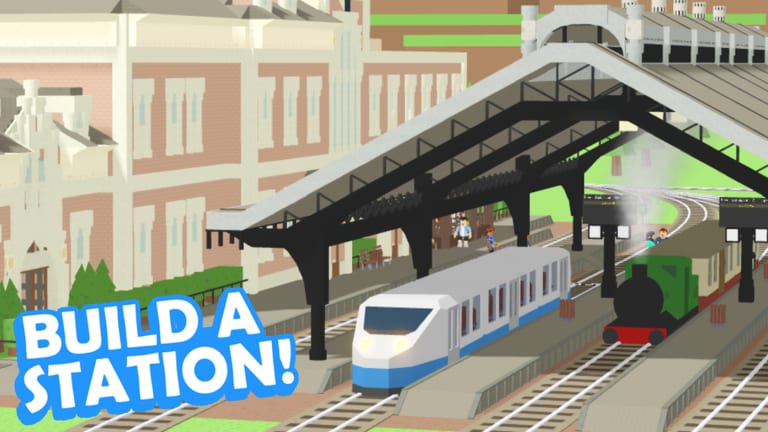
Knowing inputs saves hours in Station Master Tycoon, Taco Dev’s free forever Roblox station sandbox. You spend most of your time switching build tools, reading guest thoughts, riding trains, and opening settings—including the Codes tab when promos exist. This page lists PC and mobile controls in one place and points to guides that explain why each tool matters for Guest Needs and Stars and Getting Started tutorial steps.
PC controls overview
| Action | PC input |
|---|---|
| Move character | WASD or arrow keys |
| Camera look | Mouse movement |
| Jump (if enabled) | Space |
| Interact / guest thoughts | E near a guest |
| Select build tools | Click toolbar icons (walls, flooring, paint, eyedropper, rotate, prefabs) |
| Place or drag pieces | Left click |
| Cancel / deselect | Right click or Esc (depends on active tool) |
| Open settings (Codes, audio) | Settings icon at bottom of screen |
| Board / ride trains | Approach platform, interact when train stops |
Exact labels can shift after Taco Dev updates; if a button moves, scan the bottom bar first.
Mobile controls overview
| Action | Mobile input |
|---|---|
| Move character | Virtual joystick |
| Camera look | Drag on screen |
| Interact / guest thoughts | Tap guest or prompt icon |
| Select build tools | Tap toolbar icons |
| Place or drag pieces | Tap and drag |
| Open settings | Settings icon along bottom edge |
| Board / ride trains | Tap interact when train is at platform |
Mobile builders mistype less when copying Codes strings from the wiki clipboard into the settings Codes field—capitalization matters.
Build tools explained
These tools appear throughout Walls, Flooring and Paint and the tutorial chain in Getting Started:
Eyedropper — sample color/material from an existing tile, then apply elsewhere for matching extensions.
Paint — recolor selected surfaces or props to zone ticketing, food, and restroom areas.
Rotate — spin benches, ticket machines, shops, and prefabs toward paved paths; backward machines cause “wants ticket” thoughts forever.
Walls — drag brick or other segments to define halls and rooms; tutorial teaches brick wall drag before paving.
Flooring — pave walkways guests prefer; connects bench → ticket → bathroom → bakery → stairs.
Prefabs — place multi-part structures like stairs (Platforms and Prefabs).
Switch tools from the bottom or side palette; no secret hotkeys required for basics.
Guest thoughts: E and tap
The most important “control” is not a build tool. Press E on PC or tap the guest on mobile to read thoughts—hungry, needs restroom, wants ticket, ready to travel. Ignore this input and stars stall no matter how fancy your walls look.
Check thoughts after every remodel in Rebuild Your Station and when visiting others (Visit Other Stations).
Trains and travel
Trains arrive at aligned platform track. Board using the same interact binding as other world objects when a carriage stops flush with your deck. Riding trains visits other players on the server—up to four owners per session—without a separate menu.
If interact never appears, fix platform height and track stop in Platforms and Prefabs before blaming controls.
Settings menu and Codes
Tap the settings icon at the bottom of the screen on both PC and mobile. Inside you will find audio/options and the Codes tab. Redemption flow when Taco Dev publishes promos:
- Open settings.
- Choose Codes.
- Type or paste the string.
- Press Submit Code.
Details and troubleshooting live in How to Redeem Codes and the Codes Hub. No working public codes may exist today; the menu still matters for future drops.
Camera and build comfort
On PC, mouse look while WASD strafing helps tight indoor halls. On mobile, zoom camera out before dragging long wall segments. Rotate tool benefits from stepping back to see bench-facing direction.
If pieces clip or fail to place, rotate camera—not every bug is a broken control.
Controls after patches
Roblox experiences update UI without warning. If your friend’s screenshot shows a different toolbar order, trust your live client. Rejoin after updates if settings icons disappear.
Cross-reference new mechanics on the Guides Hub when patch notes mention tools beyond eyedropper, paint, rotate, walls, flooring, and prefabs.
Quick practice drill
- Place or select a bench (getting started tutorial).
- Rotate it toward a paved path.
- Press E or tap a guest and read one thought.
- Open settings and locate Codes without redeeming junk strings.
- Walk to platform and interact with a stopped train if available.
Five minutes on this drill prevents most “controls broken” confusion that is actually misaligned track or backward machines.
Master inputs once, then focus on design—happy guests leaving on trains still pay better than memorizing hidden shortcuts that do not exist in this sandbox.
Frequently Asked Questions
Quick answers for Station Master Tycoon players.
How do I read guest thoughts on PC?
Press E while near a guest. Their need text tells you what amenity or path fix comes next.
How do I read guest thoughts on mobile?
Tap the guest or on-screen prompt. Works the same as E on PC for hunger, restroom, ticket, and travel states.
Where is the Codes menu?
Open the settings icon at the bottom of the screen, then select Codes and Submit Code after typing a promo string.
Which tools does the tutorial teach?
Walls brick drag, flooring paving, prefab stairs, plus rotate and paint through the standard build palette.
How do I board a train?
Use interact near a stopped train at your platform. Fix track alignment if no prompt appears.